 Habiter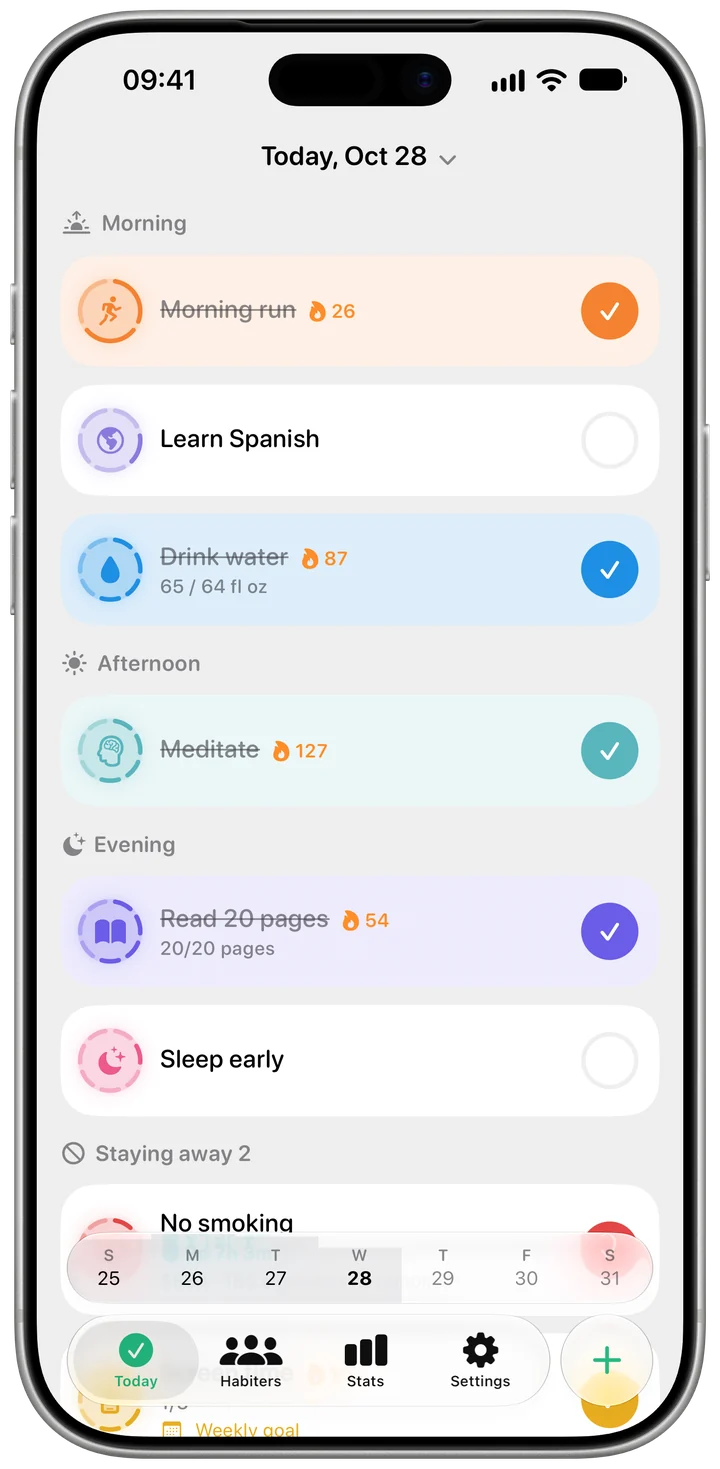
Reading sits in your day
Your reading goal is on the Today screen with the pages done and the pages left, next to your other habits.
Reading tracker for iPhone
Set a daily goal in pages or minutes, name the book you are on and log what you read with one tap. When a book is done, it moves to your shelf and the next one begins.
Pick how you count. A tap adds your usual number of pages; in minutes mode a finished session closes the day.
Start the timer and read. When it ends, Habiter asks how many pages it was and adds them.
Name the book and its length, and Habiter shows where you are. Finished books go on your shelf.
Your reading goal is on the Today screen with the pages done and the pages left, next to your other habits.
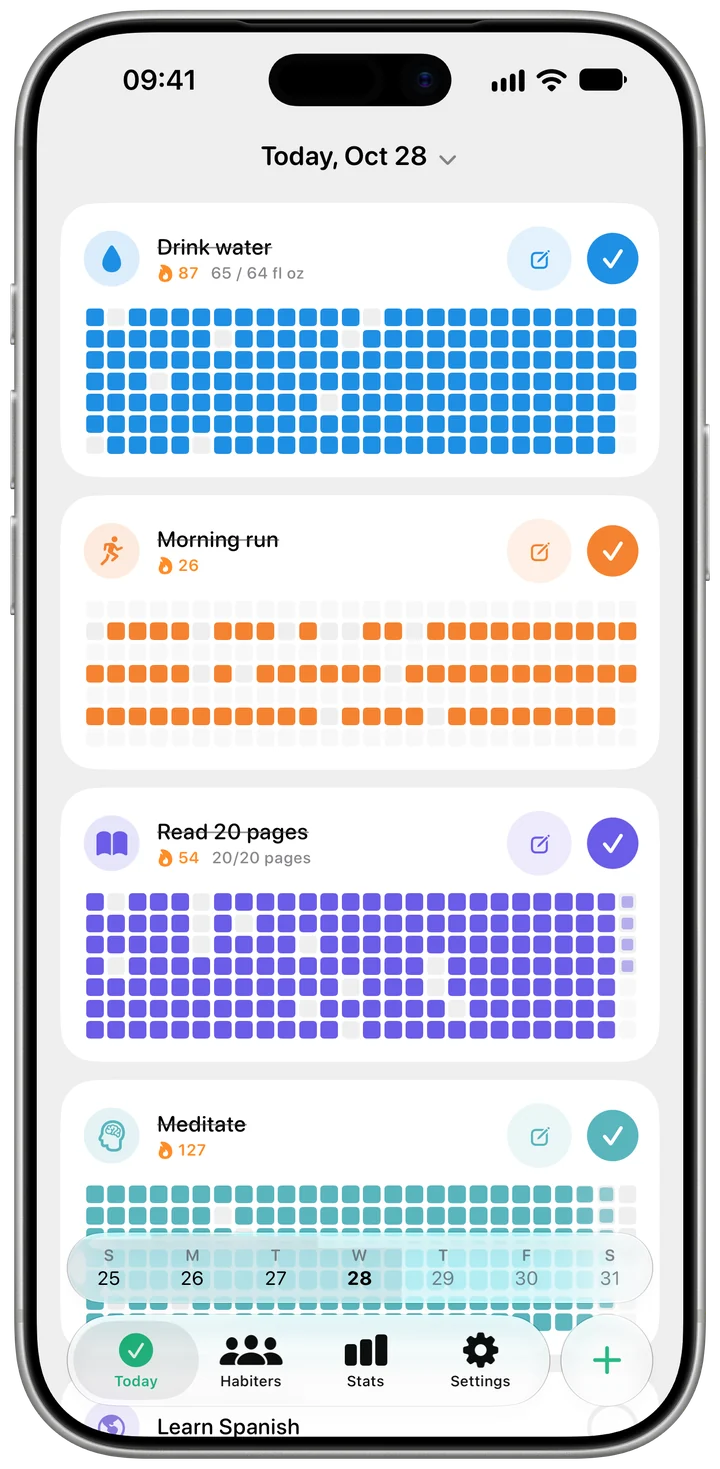
The heatmap fills in day by day. A month of small sessions turns into a book you can see.
Join the monthly Reading Club challenge and keep going with people reading every day too.
Reading is free. Habiter Pro adds unlimited habits, a full year of history and themes.
Yes. Page and minute goals, the session timer and your book shelf are all free, with no ads.
Yes. Choose minutes and a finished reading session completes the day. You can switch at any time.
It all counts. Your pages keep adding up after the goal, and the book's progress moves with them.
Yes — use minutes. Habiter does not check what you read; it keeps the count for you.