 Habiter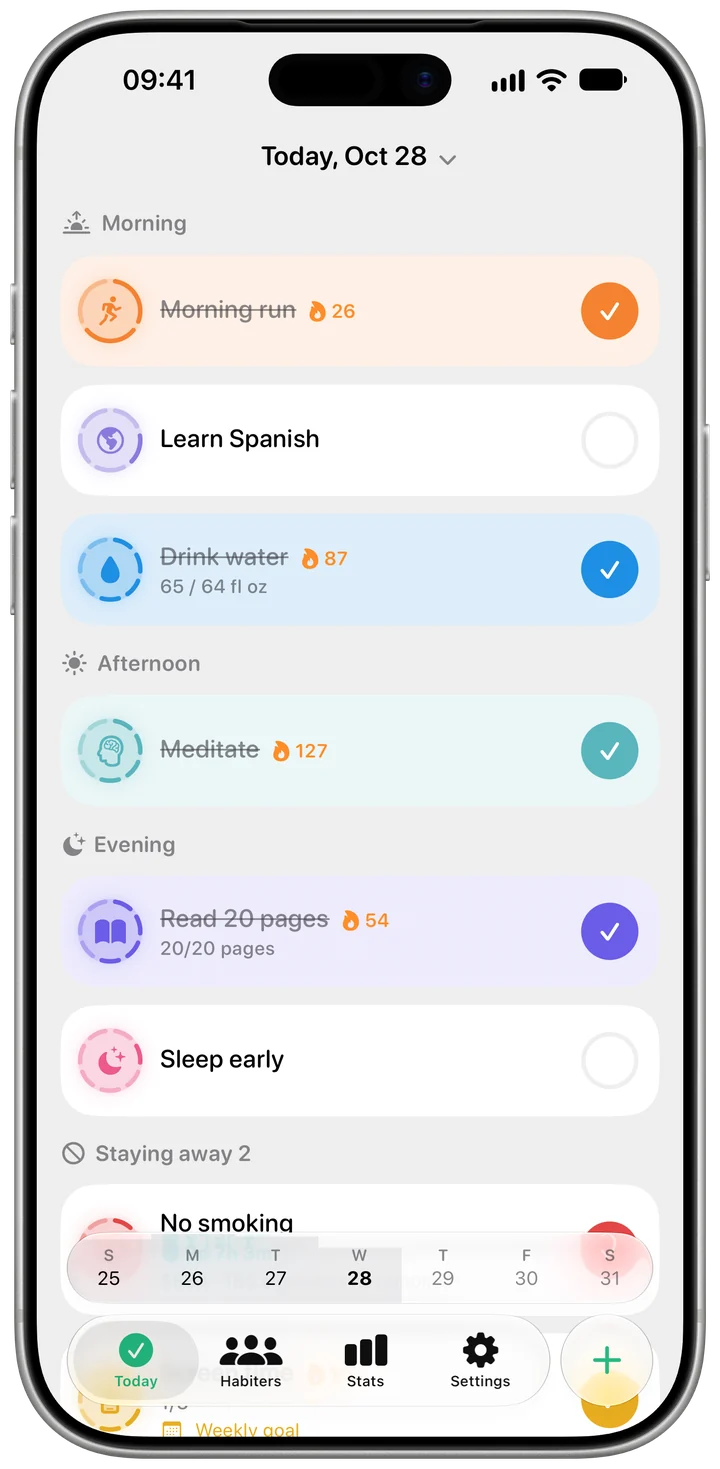
Water next to your other habits
The Today screen shows how much you have had and how much is left, right beside your other habits — no separate app to open.
Water tracker for iPhone
Set a daily goal in ml, oz or glasses and add a drink with one tap. If you fall behind during the day, Habiter reminds you; once you reach your goal, the reminders stop. Every glass can go to Apple Health too.
Type a goal yourself, or enter your weight and Habiter suggests one at about 30 ml per kilogram. Your weight is not saved.
Add your usual glass from the Today screen, a Home Screen widget or your Apple Watch. A day you have already filled stays filled.
Your goal is spread across the hours you choose. On pace, you hear nothing; fall behind and a reminder comes, never closer than 45 minutes to the last one.
The Today screen shows how much you have had and how much is left, right beside your other habits — no separate app to open.
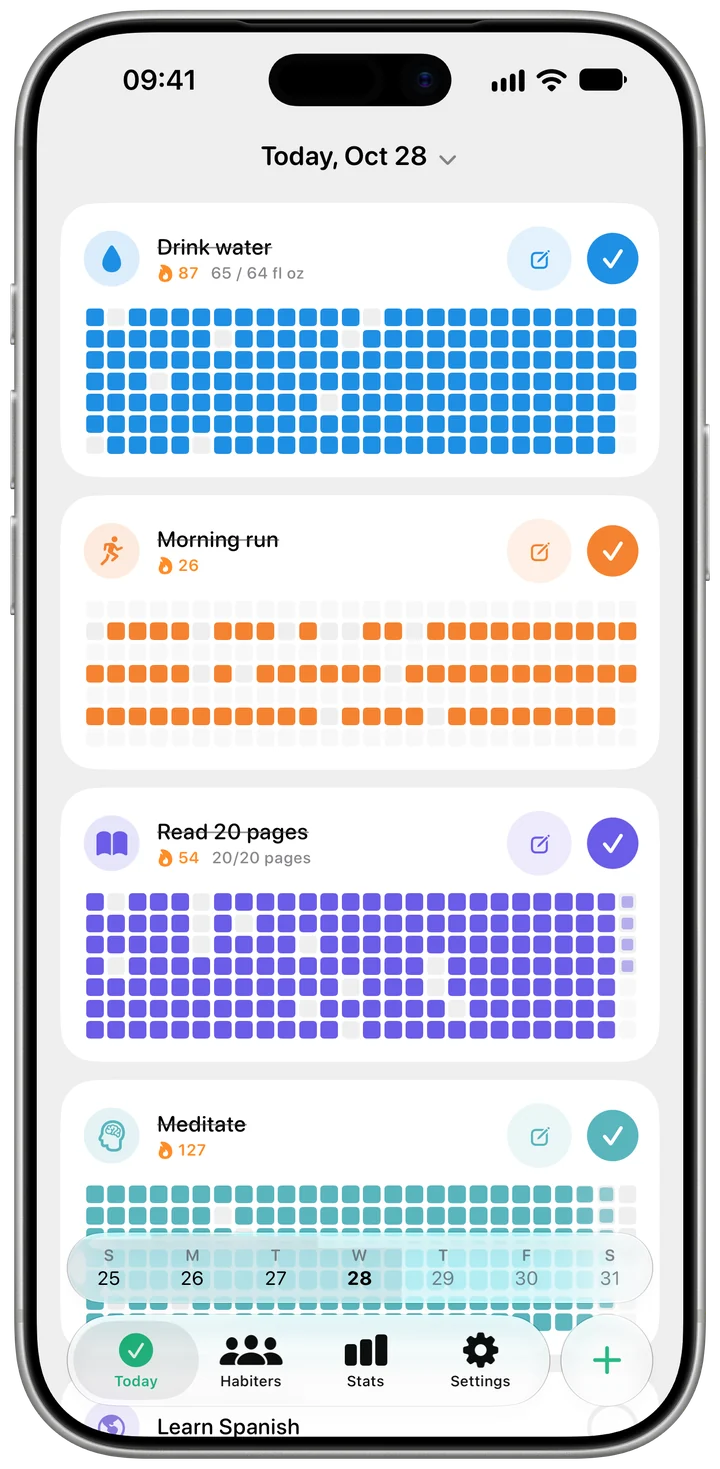
Every day you hit your goal fills in on the heatmap, so the days that slipped are easy to spot.
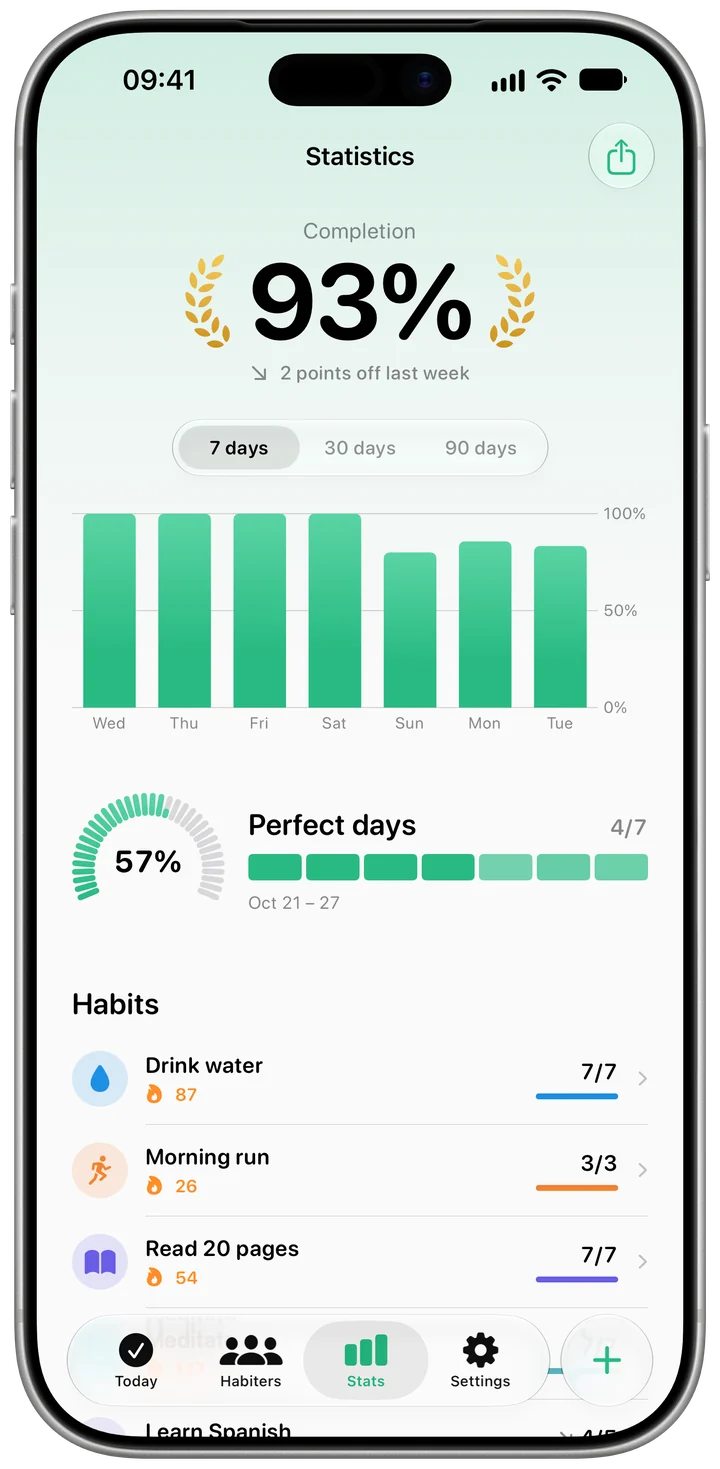
See how many days you met your goal over the last 7, 30 or 90 days, and your longest streak.
With Habiter Pro you can also add water from Control Center and with Siri.
Yes. The daily goal, the reminders and Apple Health sync are free, with no ads. On the free plan you can keep up to 5 habits, water included.
Yes, both ways, if you turn it on: water you add in Habiter is saved to Health, and water another app saves to Health shows up in Habiter. It stays off until you allow it.
Enter your weight and Habiter suggests about 30 ml per kilogram; change it to whatever suits you. If you are pregnant, breastfeeding or have a health condition, ask your doctor.
Your goal is spread evenly between the start and end times you set. If you are on pace, no reminder comes early. If you are behind, one arrives within half an hour, at least 45 minutes apart, and they stop once you reach your goal.